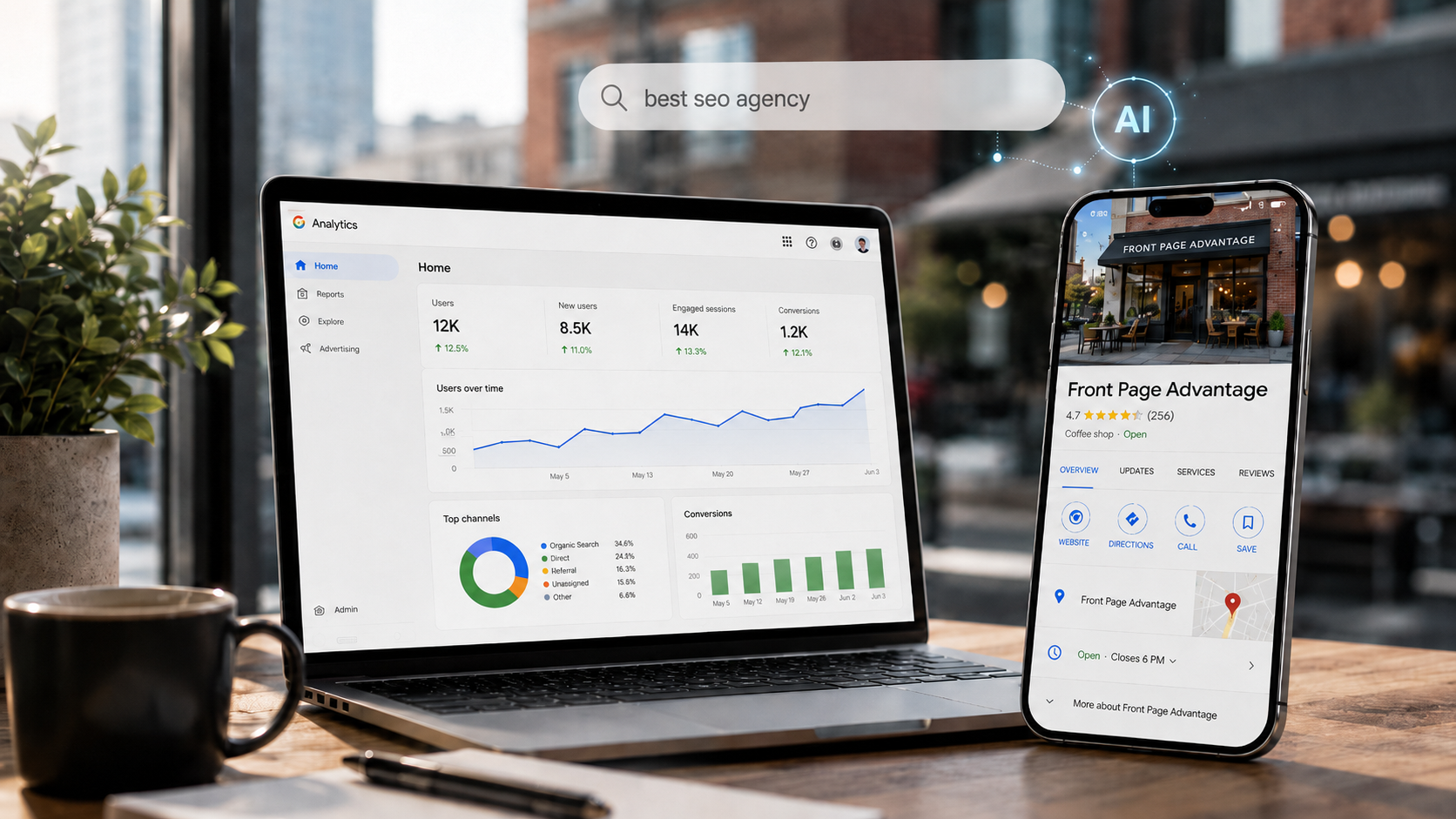

Google Analytics now allows businesses to link their Google Business Profile directly with GA4. For local businesses optimising for local search, this is a significant update.
Previously, local SEO reporting often meant piecing together data from several places. Website visits sat in Google Analytics. Business Profile calls, direction requests, bookings and website clicks sat inside Google Business Profile performance reports. Search Console showed organic visibility, but it did not always show the full picture of what happened when someone found the business in Google Search or Maps.
Now, that Google Business Profile data is appearing inside Google Analytics, businesses can start to see local search performance alongside website and app data in one place.
Local search is no longer just about ranking in the map pack. It is also about being visible, trusted and useful in AI search.
Google changed the name of the platform from Google My Business to Google Business Profile. The name may have changed but profile is still very important in improving online visibility.
For local businesses, the profile is often the first impression a potential customer sees. It can appear before the website, above organic listings and inside Google Maps. In AI-led search journeys, the information within the profile can help Google understand the business more confidently.
Google Business Profile is becoming important for AI search
Google’s AI search experiences are designed to answer questions quickly and help users make decisions faster. For local searches, Google needs to understand which businesses are relevant, nearby, active and trustworthy.
A updated Google Business Profile helps Google to understand:
- Who the business is
- Where it operates
- What services or products it offers
- When it is open
- How customers can contact it
- What customers think of it
- Whether people engage with it in Search and Maps
When someone searches for phrases such as “best accountant near me”, “emergency plumber open now”, “family solicitor in Bristol” or “local garage with good reviews”, Google uses a range of local signals to decide which businesses to show, summarise or recommend.
Your Google Business Profile is one of the clearest sources of that local business information.
What the new GA4 and Google Business Profile link shows?
Once linked, Google Analytics can show a number of local engagement metrics such as:
- Profile interactions
- Website clicks
- Phone calls
- Direction requests
- Messages
- Bookings
- Menu interactions
This is especially useful because not every local search journey leads to a website visit.
A customer might find a business, click to call, request directions and visit the premises without ever landing on the website. With GBP data inside Analytics, those high-intent local actions become much more visible.
Why this matters for local SEO reporting
Local SEO has always had a measurement problem.
If a campaign improved map visibility and generated more calls, direction requests or bookings, that impact might have previously been missed and GA4 might only show a modest increase in website traffic. The new Google Business Profile integration helps close that gap.
It gives businesses a better view of local engagement, including actions that happen directly on Google. Many local searchers do not need to visit your website to take action. They can call, message, book, check opening hours or get directions straight from the search result.
For local SEO campaigns, this means reporting can become more realistic. Instead of focusing only on organic sessions, businesses can also measure actions that matter commercially.
For example:
- A restaurant can track menu interactions, calls and direction requests.
- A service business can track website clicks, calls and messages.
- A clinic can track bookings and direction requests.
- A multi-location retailer can monitor total local engagement across branches.
This makes local SEO reporting less about traffic alone and more about customer intent.
How to link Google Business Profile to Google Analytics
Before you start, make sure you have the right permissions, you will need to be an Editor or Administrator in your Google Analytics property. In the Google Business Profile, you will also need to have Owner or Manager access.
Step 1: Open Google Analytics
Log in to Google Analytics and select the correct GA4 property. In the bottom-left corner, click Admin.
Step 2: Go to Product links
In the Admin area, look for the Product links section. Click Google Business Profile links.

Step 3: Click Link
On the Google Business Profile links screen, click Link. This starts the connection process between GA4 and your Google Business Profile.

Step 4: Select your Business Profile
Google Analytics will show the Business Profiles you are able to link. Select the profile or profiles you want to connect to the GA4 property.
If you manage more than one location, you can link multiple profiles. Bear in mind that GA4 may show the combined performance of linked profiles rather than allowing every metric to be broken down by individual location.
Step 5: Review the data sharing information
Review the information shown by Google. This explains what data will be shared between Google Business Profile and Google Analytics.
Once you are happy, confirm the link.
Step 6: Check your new reports
Once the link has been created, Google Analytics can add a dedicated Google Business Profile reporting collection.
This is where you can review key local search actions such as calls, direction requests, website clicks, bookings, messages and other profile interactions.
What to check after linking
Once the integration is live, review the data regularly.
Useful questions to ask include:
- Are calls increasing after profile updates?
- Are direction requests improving after adding new photos?
- Are website clicks increasing from local search?
- Are bookings rising after improving service descriptions?
- Are certain locations generating stronger engagement than others?
- Are Business Profile interactions increasing even when website traffic is flat?
These questions help businesses understand the true impact of local visibility.
The connection between GBP data and AI search visibility
The GA4 integration does not directly boost rankings. It will not automatically make a business appear more often in AI search results.
However, it does make it easier to measure how people engage with your business through Google Search and Maps. That is valuable because AI-led search is likely to make local discovery more action-focused.
A user may not always click through to a website. They might compare businesses in the search result, read profile information, check reviews, ask for directions or call directly.
That means businesses need to think beyond website traffic.
Google Business Profile can support AI search visibility by giving Google clearer local business information, including:
- Accurate name, address and phone number details
- Correct business categories
- Detailed service information
- Up-to-date opening hours
- Recent photos
- Regular updates
- Strong reviews
- Review responses
- Clear links to relevant website pages
- Consistent business information across the web
The more complete and trustworthy your local business information is, the easier it is for Google to understand where your business fits.
SEO actions you can do now
To get the maximum value from this, businesses should focus on improving both their Google Business Profile and their website.
- Make sure the profile is complete. Check the business name, categories, address, service areas, phone number, website link, opening hours and attributes.
- Improve the content of the profile. Add high quality photos, list services clearly, use products where relevant, publish updates and keep information fresh.
- Reviews help potential customers make decisions, but they also provide valuable context about the business. Responding to reviews shows that the business is active and engaged.
- Align the profile with the website. The services listed on the profile should match the services explained on the website. Location pages should support the areas the business wants to rank in. Key details should be consistent.
- Measure outcomes with GA4. Don’t only look at website sessions. Review calls, direction requests, bookings, messages and website clicks from the Business Profile reporting collection.
What this means for multi-location businesses
For businesses with more than one location, the integration could be especially useful. Local SEO reporting across multiple branches can become messy, particularly when different locations have different levels of visibility, reviews and customer engagement.
Bringing GBP metrics into GA4 gives marketing teams a better overview of total local performance.
However, businesses should be aware that some data may be aggregated across linked profiles. If you need detailed individual branch reporting, you may still need to use Google Business Profile performance reports alongside GA4 and other local SEO tools.
Even so, the integration is a step forward. It makes it easier to show that local search activity has commercial value beyond website traffic.
Local search is becoming more action-led
The biggest takeaway is this: local search is not only about clicks.
A customer who calls from your profile is valuable. A customer who asks for directions is valuable. A customer who books directly from Google is valuable. A customer who reads reviews, checks your opening hours and visits your premises may never appear as a website session, but they are still part of your search performance.
As Google Search becomes more AI-led, businesses need to think beyond rankings and traffic. AI search is more about visibility, trust, engagement and action.
Final thoughts
Linking Google Business Profile with Google Analytics gives local businesses a way to understand how people find and interact with them on Google Search and Maps.
For local SEO, this is a useful reporting improvement. For AI search, it is another reminder that accurate, complete and trusted business information matters.
Google Business Profile is no longer just a place to add your opening hours. It is a key part of your local search presence, your customer journey and your visibility in the next generation of AI-powered search.
Businesses that keep their profiles accurate, active and aligned with their websites will be in a stronger position to benefit from both traditional local search and AI search experiences.
